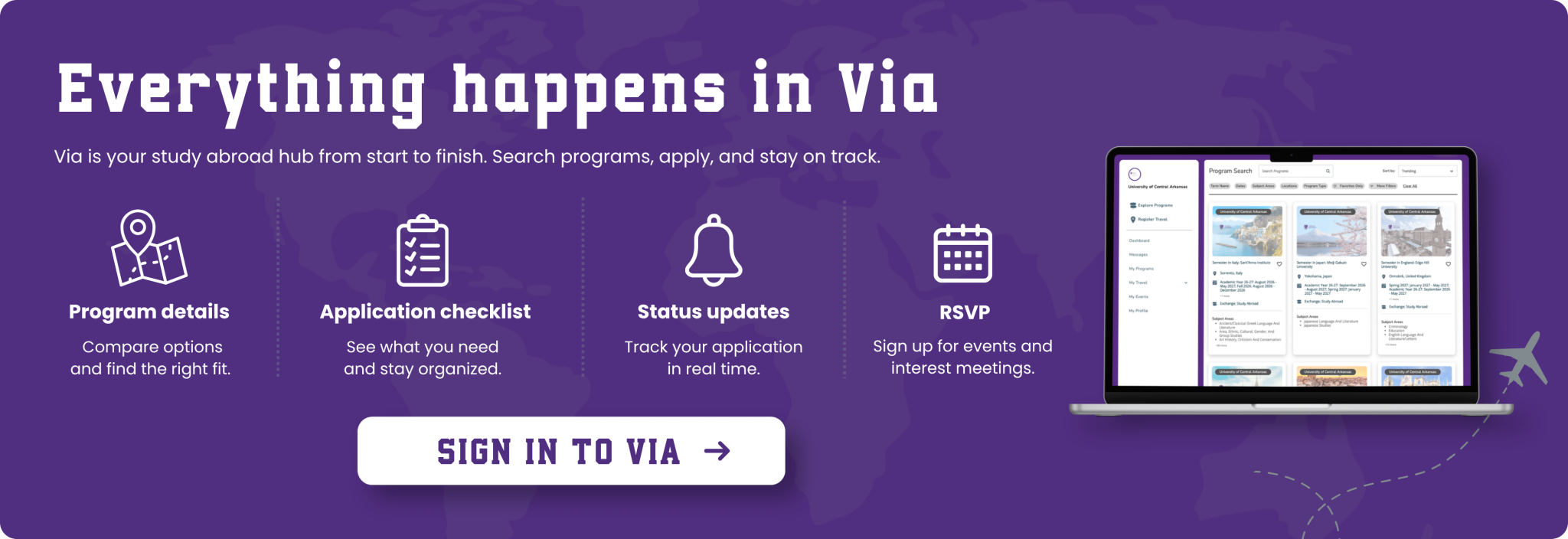
Follow these steps to explore your options and submit your application.
1. Sign In to Via
Use your UCA credential’s and complete your student profile in Via.
2. Explore Programs
Compare destinations, dates, courses, costs, and deadlines in Via.
3. Talk to Us
Meet with a peer advisor or a program advisor to discuss your interests, options, and next steps.
4. Choose Your Program
Open a program page and review its requirements carefully.
5. Complete Your Application
Answer each question and upload the required documents.
6. Submit & Check Your Status
Submit before the deadline and return to Via for updates.