
Submitted by: Jennifer Brewer, jbrewer1@uca.edu on 11/02/2026
Is your Brightspace gradebook looking a little cluttered? You’re not alone! The transition from Blackboard to Brightspace has come with some challenges: a bloated Grades area, confusing grade columns, and possibly some digital dust bunnies!
You NEED this workshop if:
- looking in Grades stresses you (and your students!).
- you have hidden several unnecessary grade columns.
- you have a nagging feeling that something is “off” with your students’ grades.
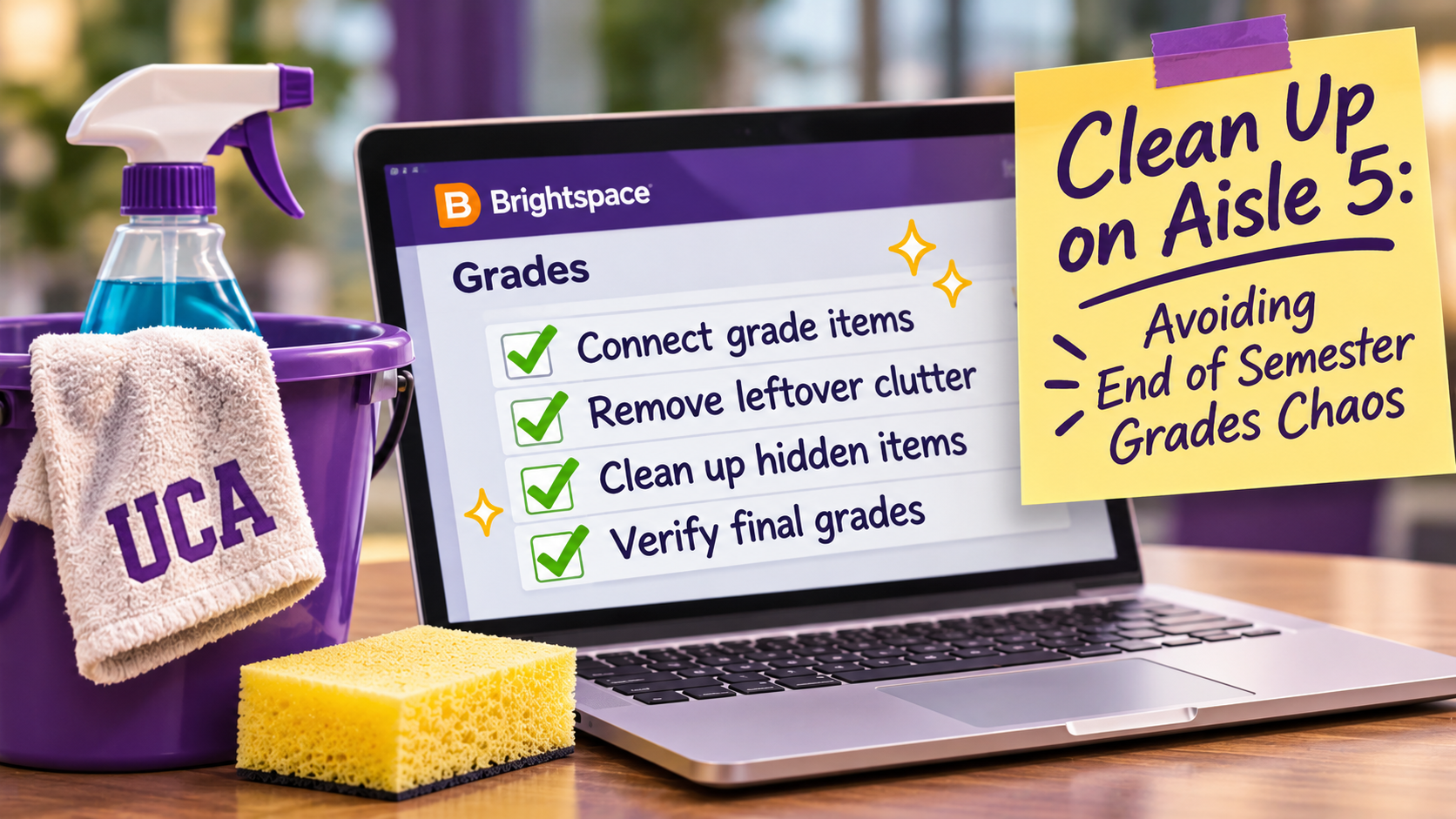
Join CETAL for a hands-on gradebook cleanup session. We’ll help you:
- Identify all gradable activities and ensure they’re connected to the correct grade items.
- Clear out unnecessary items left over from Blackboard (and perhaps a few years of digital hoarding!).
- Check that your Final Calculated Grade is calculating accurately.
- Create a cleaner, more manageable Grades area for you and your students.
Our goal: By the end of the workshop, you’ll have one Brightspace course with a cleaner, more accurate gradebook — and a little less end-of-semester stress!
Choose the session that works for you:
Tuesday, November 10 | 2:30–4:30 p.m. — In person
Monday, November 16 | 11:00 a.m.–1:00 p.m. — Zoom
Bring your laptop, your Brightspace course, and your willingness to part with a little digital clutter. We’ll bring the cleanup crew!